
Tableau To Microsoft Fabric Migration. Strategy And Automation
Migrate Tableau to Microsoft Fabric with a proven strategy. BIChart inventories your Tableau estate, estimates cost and effort versus a manual rebuild, and converts dashboards and semantic models into governed, Fabric-ready Power BI assets. Start with a Tableau migration assessment to inventory your estate and estimate cost and effort first.
Enterprises Migrating from Tableau to Microsoft Fabric







Why Migrate From Tableau To Microsoft Fabric?
Microsoft Fabric unifies data engineering, semantic models, and Power BI reporting on a single governed platform. Migrating from Tableau to Fabric positions your analytics for OneLake, Copilot, and the wider Microsoft ecosystem.
Unified Analytics On OneLake
Fabric brings data, semantic models, and reports together on OneLake, so migrated Tableau content lives alongside your lakehouse and warehouse without copies or silos.
Governance And Security
Workspace roles, sensitivity labels, and Microsoft Entra integration give a Fabric migration the enterprise governance that standalone Tableau deployments often lack.
Power BI And Copilot
Once in Fabric, dashboards run as Power BI reports with access to Copilot, field parameters, and the latest Microsoft AI features. For workbook-level detail, see our Tableau to Power BI migration tool.
Tableau To Microsoft Fabric Migration Strategy
These Tableau to Power BI migration best practices for Microsoft Fabric keep your project predictable, governed, and fast.
1. Assess And Inventory Your Tableau Estate
A successful Fabric migration starts with visibility. Inventory your Tableau estate and estimate migration cost and effort—compared to rebuilding dashboards manually. For Prep-specific patterns, see our Tableau Prep to Microsoft Fabric migration guide.
2. Rationalize And Plan Migration Waves
Retire low-value content before you migrate. Group the rest into dependency-aware waves so high-impact dashboards reach Fabric first and stakeholders see value early.
3. Convert Semantic Models First
Migrate the data layer before the visuals. BIChart converts Tableau data sources and calculated fields into Fabric-ready semantic models with DAX, so dashboards bind to a governed model rather than ad-hoc extracts.
4. Migrate Dashboards To Fabric
With models in place, BIChart recreates Tableau dashboards as Power BI reports and publishes them into your Fabric workspace, preserving layout, filters, and interactivity.
5. Validate In The Fabric Workspace
Reconnect credentials, refresh data, and reconcile results against the original Tableau views. Confirm visual fidelity and calculation accuracy before promoting content to production.
6. Train And Drive Adoption
Equip analysts with Power BI and Fabric workspace guidance so the team owns the migrated estate. For a deeper technical walkthrough, read our guide to migrating Tableau to Fabric semantic models.
Migrate Tableau Dashboards To Microsoft Fabric
BIChart converts Tableau workbooks into Power BI reports and publishes them to Fabric, so dashboards keep their meaning as they move.
Workbooks To PBIP And Fabric Reports
BIChart outputs migrated content in .PBIP format and can publish reports and semantic models directly into your Fabric workspace, ready for Power BI in the Fabric service.
Visual Fidelity, Filters, And Parameters
Chart types, layout, filters, and parameters are mapped to their closest Power BI equivalents so migrated Fabric dashboards stay familiar to existing Tableau users.
Tableau Semantic Models To Fabric: Data Model Changes
The data model is where most migration risk lives. BIChart converts Tableau structures into Fabric semantic models with the right relationships and DAX.
TDSX And TDS Conversion
Upload a Tableau TDSX or TDS file and BIChart analyzes connection metadata, relationships, and the underlying star schema to rebuild it in Fabric.
Calculated Fields To DAX
Tableau calculated fields, including LOD expressions and table calculations, are translated into equivalent DAX measures in the Fabric semantic model.
Relationships And Star Schema
Fact and dimension relationships are recreated in Fabric so the migrated model follows Power BI modeling best practices from day one.
Microsoft Fabric Migration Considerations
Plan the Fabric-specific details early so the destination is ready when your migrated content arrives.
Workspaces And Capacity
Decide how Tableau projects map to Fabric workspaces and confirm the capacity or SKU that will host migrated semantic models and reports.
Credentials And Ownership
After migration you reauthenticate data sources and take ownership of models in Fabric. See the BIChart docs for connectivity and security detail.
Tableau Prep To Microsoft Fabric: Modernize Your Architecture
Ryan Goodman speaks with Khaled Chowdhury of Data Crafters on Tableau Prep migration patterns for Microsoft Fabric — and why the opportunity is to modernize architecture, not recreate every workflow.
Tableau To Microsoft Fabric Migration: Frequently Asked Questions
Should I Migrate Tableau To Power BI Desktop Or Microsoft Fabric?
Both paths use the same BIChart conversion engine. Choose Power BI Desktop when you want local .PBIP output, and choose Microsoft Fabric when you want governed semantic models and reports published to a Fabric workspace with OneLake and Copilot.
Can BIChart Publish Directly To Microsoft Fabric?
Yes. BIChart can deploy converted semantic models and reports directly into your Fabric workspace, or you can download .PBIP files and publish them yourself.
Can BIChart Migrate Tableau Server Or Cloud Content To Fabric?
Yes. BIChart connects to Tableau Server or Tableau Cloud to inventory and migrate published workbooks, data sources, and metadata into Microsoft Fabric.
How Long Does A Tableau To Fabric Migration Take?
Timelines depend on the number and complexity of workbooks. BIChart automation reduces effort by 50–70% and typically cuts delivery timelines nearly in half, so a typical enterprise migration runs in weeks rather than months. Start with a migration assessment to inventory your estate and estimate cost and effort.
From The Blog
Microsoft Fabric Migration Guides

Fabric Experts Series: Migrating from Tableau Prep to Microsoft Fabric
Why does report-centric data preparation with Tableau Prep stop working when requirements move beyond dashboards? To answer that question, R…
Read article →
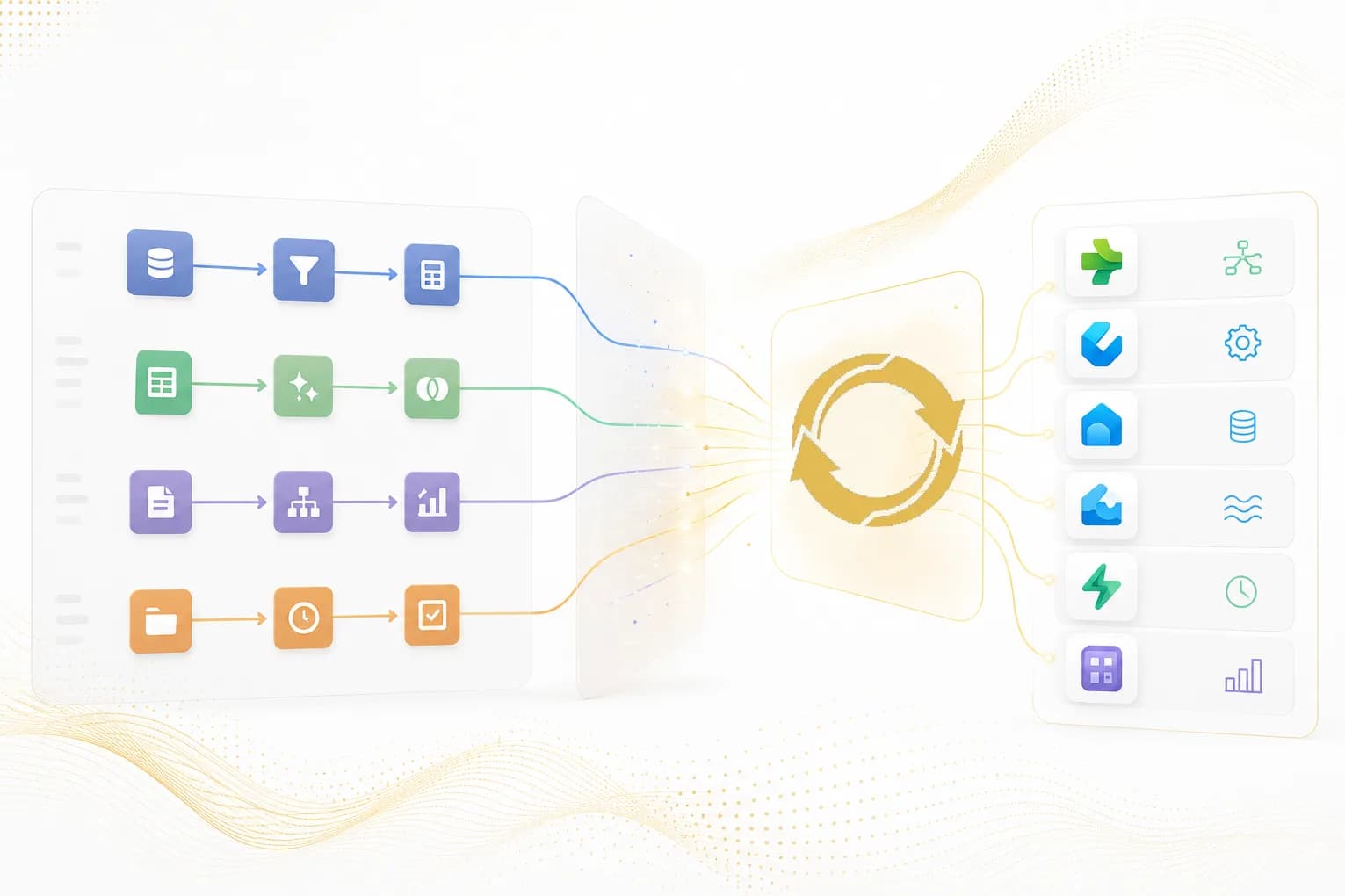
Tableau Prep to Microsoft Fabric: A Pattern-by-Pattern Migration Guide
Detailed Tableau Prep to Microsoft Fabric migration guidance how prep flows map to the right Fabric solution.
Read article →
Choosing the Right AI Tools for Microsoft Fabric and Power BI Authoring
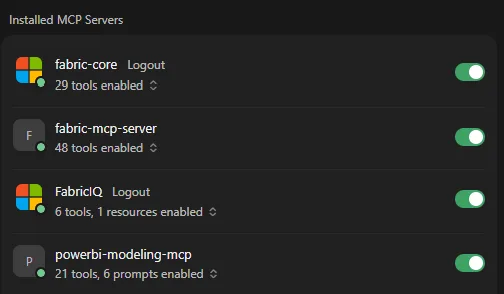
There is no shortage of posts about individual AI tools for Microsoft Fabric and Power BI features. Every week brings updates to MCPs, CLIs …
Read article →
Plan Your Tableau To Microsoft Fabric Migration
Ready to move your analytics to Microsoft Fabric?