
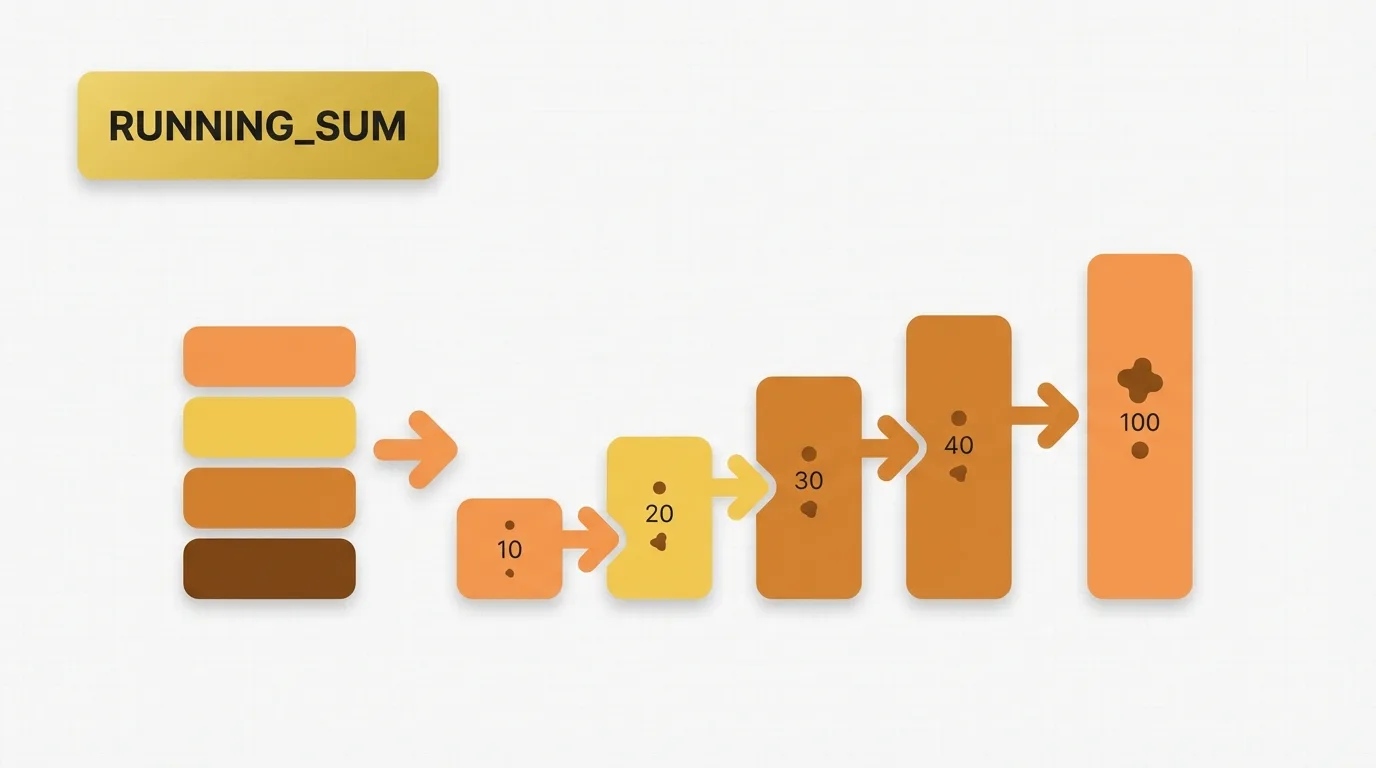
Summary of Power BI RUNNINGSUM
Power BI RUNNINGSUM is a visual calculation pattern utilized to generate a cumulative total across a result set in Power BI. This pattern is implemented through a running total measure or a visual calculation that accumulates values based on the defined order in the visual.
It is crucial to understand that the outcome is influenced by the current visual, the sort order, and the granularity of the data displayed.
Problem Definition: The Need for Cumulative Metrics
Many reports require a cumulative metric rather than a simple total. Business users often pose questions such as:
- What is the sales total accumulated month by month throughout the year?
- How much revenue has been collected each day so far?
- What is the running count of orders by week?
- How much of the yearly target has been achieved up to the current date?
A standard sum provides a total for the current group, while a running total offers a cumulative perspective, showing the value as the visual progresses through time or another ordered category. This requirement is common in executive dashboards, financial reports, and operational monitoring.
Key Concept: Understanding Running Totals
A running total involves the following steps:
1. Take the current row or category in the visual.
2. Add all prior rows based on the sort order.
3. Return the cumulative result at each step.
The essence of a running total is accumulation over an ordered sequence. It differs from a grand total and an average, and it is dependent on the visual’s order since the calculation uses that order to determine what counts as “prior.”
Data Example: Sales Table
Consider the following simple sales table:
| Date | Month | Sales |
|---|---|---|
| 2024-01-01 | Jan | 100 |
| 2024-01-15 | Jan | 50 |
| 2024-02-01 | Feb | 80 |
| 2024-02-20 | Feb | 70 |
| 2024-03-01 | Mar | 120 |
If the visual groups by Month, the normal sales total is:
| Month | Sales |
|---|---|
| Jan | 150 |
| Feb | 150 |
| Mar | 120 |
A cumulative measure should return:
| Month | Sales | Running Sales |
|---|---|---|
| Jan | 150 | 150 |
| Feb | 150 | 300 |
| Mar | 120 | 420 |
The reasoning is straightforward: January contributes 150, February adds another 150, and March adds 120 more, resulting in a cumulative total that grows as each month is processed in order.
Tool Implementation: RUNNINGSUM in Power BI
Power BI facilitates running totals through visual calculations and measures created with DAX. When employing the visual calculation approach, RUNNINGSUM is applied to a value in the current visual, returning the cumulative result based on the visual’s sort order.
The practical approach is as follows:
1. Start with the current category.
2. Add the current value and all previous values.
3. Return the cumulative total.
In DAX, a common pattern for a running total measure is:
Running Sales =
CALCULATE(
    SUM(Sales[Sales]),
    FILTER(
        ALLSELECTED(Sales[Date]),
        Sales[Date] <= MAX(Sales[Date])
    )
)
This measure removes the current date filter within the visual and reapplies a filter from the first date through the current date, producing a cumulative result when the visual is sorted by date.
Applied Example: Running Total Measure Results
Using the sample data, the running total measure yields:
| Month | Sales | Running Sales |
|---|---|---|
| Jan | 150 | 150 |
| Feb | 150 | 300 |
| Mar | 120 | 420 |
A visual calculation based on RUNNINGSUM follows the same logic. If the visual is sorted by Month in chronological order, the cumulative result is accurate. However, if the visual is sorted alphabetically or by Sales in descending order, the running total will change because the accumulation follows the visual order. This is a common source of confusion for report authors during migration.
Why RUNNINGSUM Exists: The Importance of Cumulative Trends
A standard aggregation only addresses the question for the current group. For instance:
SUM(Sales[Sales])
If the visual displays Month, each month receives its own total, which does not illustrate growth over time. The running total feature exists to convert a point-in-time total into a cumulative trend, which is essential when analysts need to track progress rather than just volume.
Important Behavioral Details of Running Totals
Running totals are sensitive to several factors:
Sort Order
The visual must be sorted in the expected sequence. If the months are sorted alphabetically, the cumulative result will be incorrect for a time series.
Filter Interaction
Filters alter the set of rows available to the running total. For example, a page filter that excludes February means the running total will skip February entirely. This is typically correct but is important to consider when comparing to totals from a source system.
Visual Scope
A visual calculation operates only on the data displayed in that visual. It does not function like a reusable model measure in the same way as a standard DAX measure. Changes to the visual can lead to different results.
Blanks and Missing Categories
If the axis includes missing dates or categories, the cumulative line may appear to jump or flatten. This usually results from how the visual handles incomplete categories.
Totals and Subtotals
Running totals often behave differently in total rows. The total row is not always the sum of the visible running values; it typically reflects the total of the underlying measure in the current filter context. This can surprise report authors who expect the last cumulative value to repeat in the total row.
Multiple Category Levels
If the visual is grouped by both Month and Product, the running total depends on the displayed hierarchy and the sort path. Changing the drill level alters the result.
Real Usage Patterns for Power BI RUNNINGSUM
Common use cases for RUNNINGSUM include:
- Cumulative sales by day or month
- Running order count
- Year-to-date progress
- Budget consumption
- Inventory movement over time
- Target attainment curves
- Cumulative distinct counts when supported by the chosen approach
- Trend reporting where users seek progress rather than isolated values
Conclusion
Power BI does not utilize RUNNINGSUM as a universal DAX function name in classic measures. The running total pattern is typically constructed with DAX in measures or through visual calculations where the visual calculation engine provides the cumulative behavior.
For migration tasks, it is essential to distinguish between a reusable model measure and a calculation that relies on the visual layout. If the implementation target is a visual calculation, validate the result against sort order, filters, and the field used on the axis. If the target is a measure, ensure that the denominator or date table behavior aligns with the business definition of cumulative progress.
