
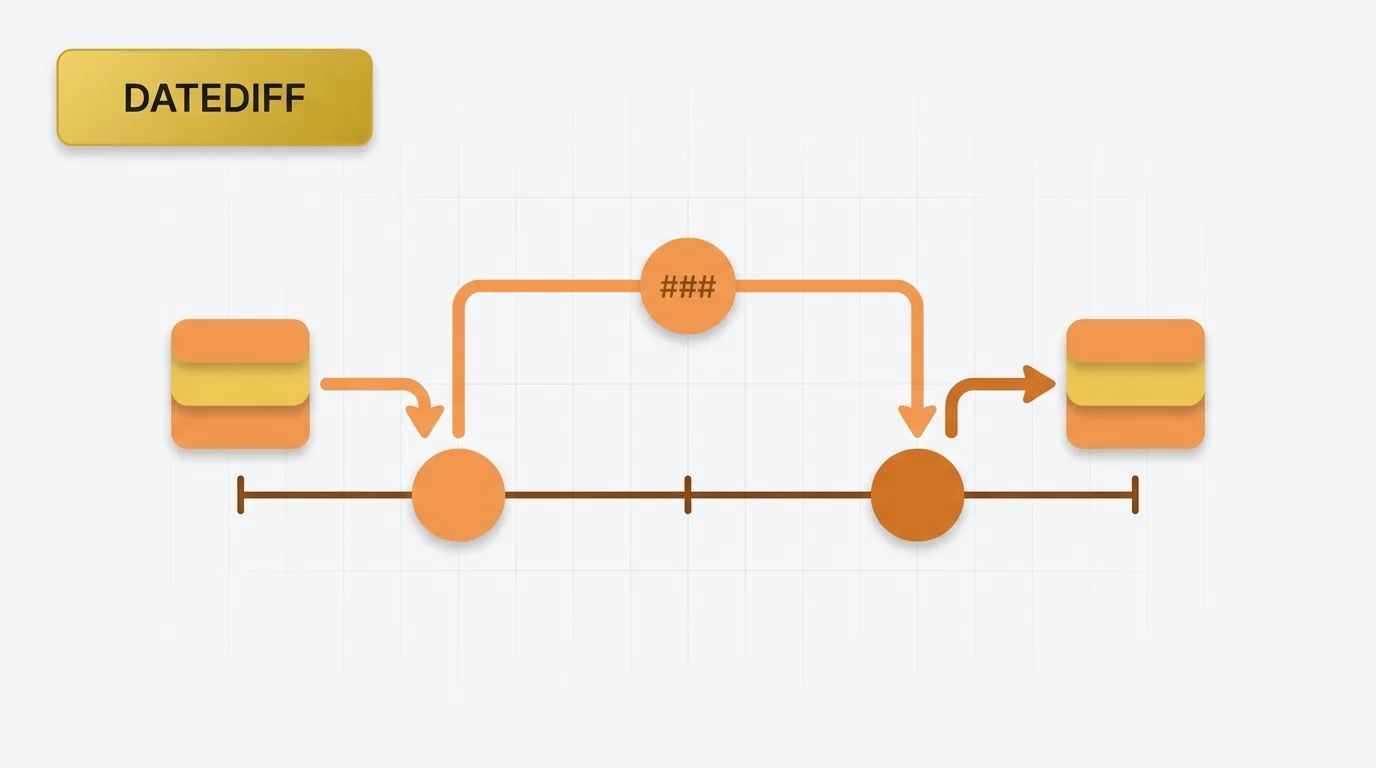
Summary of Power BI DATEDIFF Function in DAX
Power BI DATEDIFF function is a DAX function used to calculate the number of interval boundaries between two dates or datetimes. This function is particularly useful when you need to measure elapsed time in various units such as years, quarters, months, days, hours, minutes, or seconds. It is important to note that DATEDIFF returns a count of boundaries crossed, rather than a fractional duration.
Problem Definition: Time Span Questions
A common reporting question is not just about what happened, but how much time passed between two events. Examples of such questions include:- What is the number of days between the order date and the ship date?
- How many months did a customer remain active before cancellation?
- What is the elapsed time between when a case was opened and when it was closed?
- What is the age of a ticket in hours?
Key Concept: How DATEDIFF Works
The DATEDIFF function measures the number of interval boundaries crossed between two dates. It does not calculate a decimal duration; instead, it counts how many times the calendar or clock moves from one unit to the next. The intervals that can be measured include:- Year
- Quarter
- Month
- Day
- Hour
- Minute
- Second
Data Example: Understanding DATEDIFF with Sample Data
Consider the following simple order dataset:| OrderID | OrderDate | ShipDate |
|---|---|---|
| 1 | 2024-01-01 | 2024-01-04 |
| 2 | 2024-01-10 | 2024-01-10 |
| 3 | 2024-02-28 | 2024-03-02 |
| OrderID | Days to Ship |
|---|---|
| 1 | 3 |
| 2 | 0 |
| 3 | 3 |
| OrderID | Start Date | End Date | Month Boundary Count |
|---|---|---|---|
| 1 | 2024-01-31 | 2024-02-01 | 1 |
| 2 | 2024-01-15 | 2024-02-14 | 1 |
| 3 | 2024-01-15 | 2024-03-14 | 2 |
Tool Implementation: Using DATEDIFF in Power BI
In Power BI, DATEDIFF is a DAX function with the following syntax:DATEDIFF(<StartDate>, <EndDate>, <Interval>)
Example of DATEDIFF Usage
For example, to calculate the number of day boundaries between two dates, you can use:DATEDIFF([OrderDate], [ShipDate], DAY)
Common intervals in DAX include:
YEAR
QUARTER
MONTH
DAY
HOUR
MINUTE
SECOND
The function takes a start date, an end date, and an interval type. If the second date is earlier than the first, the result will be negative.
Applied Example: Calculating Days to Ship
Suppose we create a calculated column for order processing time:Days to Ship = DATEDIFF([OrderDate], [ShipDate], DAY)
Using the sample data, the results would be:
| OrderID | OrderDate | ShipDate | Days to Ship |
|---|---|---|---|
| 1 | 2024-01-01 | 2024-01-04 | 3 |
| 2 | 2024-01-10 | 2024-01-10 | 0 |
| 3 | 2024-02-28 | 2024-03-02 | 3 |
Customer Tenure Months = DATEDIFF([SignupDate], [CancelDate], MONTH)
However, this result may not align with a simple month-to-month duration calculation as some users might expect. For instance, a customer who signs up on January 31 and cancels on February 1 will return 1 month, as the month boundary has changed.
Why DATEDIFF Exists: Addressing Business Needs
Power BI requires a reliable way to compare two dates across a defined time unit. While simple subtraction works for days when dates are stored as whole dates, it does not address every business question. DATEDIFF exists to answer questions such as:- How many months elapsed?
- How many quarters passed?
- How many hours were consumed?
Important Behavioral Details of DATEDIFF
The DATEDIFF function has several behaviors that can lead to confusion: 1. Counts Boundaries, Not Duration: This is the most crucial point. For example,DATEDIFF("2024-01-31", "2024-02-01", MONTH) returns 1, indicating that the month boundary was crossed, not that one full month elapsed.
2. Can Return Negative Values: If the end date is earlier than the start date, the result will be negative. For example, DATEDIFF([ShipDate], [OrderDate], DAY) can be useful for identifying bad data or reverse sequences.
3. Depends on Valid Date Values: The inputs must be valid date or datetime values. Blank values or invalid dates will not yield meaningful results unless handled upstream.
4. Not a Replacement for Age Logic in All Cases: If you need exact age calculations that consider birthdays, DATEDIFF alone may not suffice. For instance, a person born on December 31 and evaluated on January 1 may show a year boundary count of 1, even though only one day has passed. Therefore, age calculations often require additional adjustments.
5. Commonly Used in Calculated Columns and Measures: In a calculated column, DATEDIFF is evaluated row by row. In a measure, it is evaluated in filter context and usually requires careful handling of single-value date references.
Real Usage Patterns for DATEDIFF
Common use cases for the DATEDIFF function include:- Order-to-ship lag
- Ticket aging
- Customer tenure
- Subscription duration
- Case resolution time
- Time between milestones
- SLA breach analysis
- Cohort retention windows
