
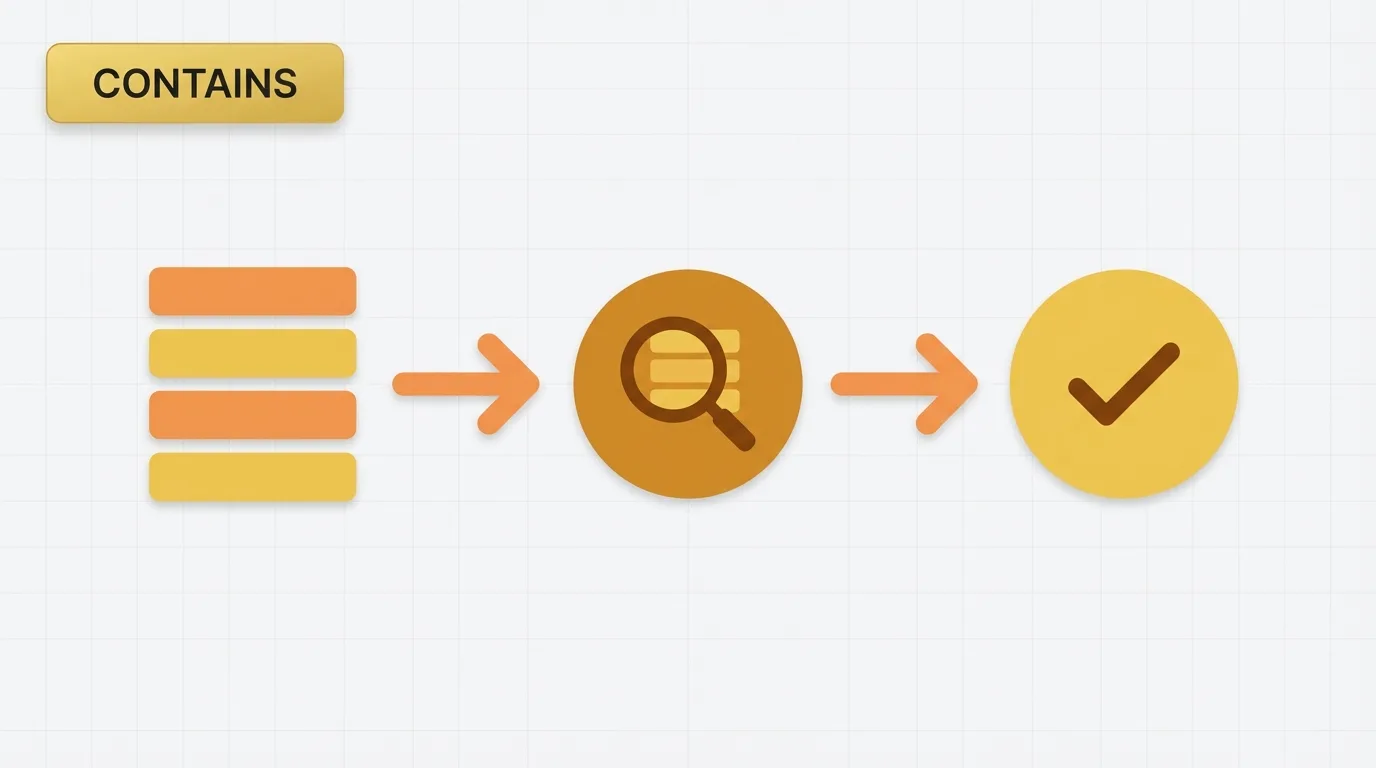
Summary of Power BI Functions
Power BI provides two essential functions for testing whether a value appears within another value: CONTAINSSTRING and CONTAINS. While they may sound similar, they serve distinct purposes.
CONTAINSSTRING is a text search function that checks if a substring exists within a text value. In contrast, CONTAINS is a table function that verifies whether a row exists in a table that matches a specific set of column values. Understanding the differences between these functions is crucial for effective data analysis in Power BI.

Problem Definition: Identifying Records
A common requirement in reporting is to identify records that contain a specific word or phrase. For instance:
- Which customer comments mention “refund”?
- Which product names contain “pro”?
- Which orders belong to a category list that includes a specific code?
Analysts often begin with a simple text search, only to discover that Power BI offers multiple functions with similar names. The core issue is not merely finding text; it is determining whether we are searching within a single text value or checking for the existence of a row in a table.
Key Concept: Text Matching Patterns
Text matching in Power BI typically falls into two categories:
1. Substring Search:
– Examines one text value.
– Checks if it contains another piece of text.
– Returns TRUE or FALSE.
2. Row Existence Check:
– Looks at a table.
– Compares one or more columns to specific values.
– Returns TRUE or FALSE if a matching row exists.
CONTAINSSTRING is used for substring searches, while CONTAINS is utilized for row existence checks. This distinction is vital, as the functions are not interchangeable.
Data Example: Understanding the Functions
Consider the following simple table:
| OrderID | ProductName | Comment |
|---|---|---|
| 1 | Pro Bike | Customer requested refund |
| 2 | Helmet Basic | Rush shipment needed |
| 3 | Pro Helmet | Refund approved |
| 4 | Bike Stand | No issue |
To find rows where the comment mentions “refund,” we need a text search. Conversely, to check if the table contains a row where ProductName equals “Pro Bike,” we require a row existence check. These represent different analytical needs.
For the first case, the results would be:
| OrderID | Comment contains “refund” |
|---|---|
| 1 | TRUE |
| 2 | FALSE |
| 3 | TRUE |
| 4 | FALSE |
In the second case, we are not searching within a string; we are checking for the existence of a matching row in a table.
Tool Implementation: Using CONTAINSSTRING and CONTAINS
What is CONTAINSSTRING?
CONTAINSSTRING checks if one text string appears within another text string.
Syntax:CONTAINSSTRING(<text>, <substring>)
Example:CONTAINSSTRING([Comment], "refund")
This expression returns TRUE when the comment contains the word “refund” anywhere in the text.
Important Behavior:
- Works with text values.
- Is case-insensitive.
- Returns a Boolean result.
What is CONTAINS?
CONTAINS checks if a table contains a row with matching values in one or more columns.
Syntax:CONTAINS(<table>, <columnName>, <value>[, <columnName>, <value>])
Example:CONTAINS(Orders, Orders[ProductName], "Pro Bike")
This expression returns TRUE if the Orders table has at least one row where ProductName equals “Pro Bike.”
Important Behavior:
- Works against a table, not a single text value.
- Can test one or more column and value pairs.
- Returns a Boolean result.
Applied Example: Classifying Comments
Suppose we want to classify comments that mention refunds. The formula would be:
Customer Comment Flag = CONTAINSSTRING([Comment], "refund")
Using the sample data, the result is:
| OrderID | Comment | Refund Flag |
|---|---|---|
| 1 | Customer requested refund | TRUE |
| 2 | Rush shipment needed | FALSE |
| 3 | Refund approved | TRUE |
| 4 | No issue | FALSE |
This is a straightforward text search. Now, compare that with a row existence check:
Match Pro Bike = CONTAINS(Orders, Orders[ProductName], "Pro Bike")
This expression returns TRUE if the table contains a matching row for “Pro Bike.” This pattern is used when the model needs to test membership in a table rather than inspect a text field.
Why This Feature Exists: Distinction Between Functions
Power BI does not utilize a single universal function for all matching scenarios. Text search and table membership are distinct operations.
CONTAINSSTRING exists because analysts often need to search free-form text, labels, or descriptions. CONTAINS is necessary for testing whether a set of column values exists in a table.
A common mistake is using CONTAINS when the goal is substring matching. This approach fails because CONTAINS does not inspect the inside of a text string; it evaluates rows in a table.
Important Behavioral Details
Case Sensitivity
CONTAINSSTRING is case-insensitive. Therefore, the following values are treated as matches:
- refund
- Refund
- REFUND
Exact Match vs. Partial Match
CONTAINSSTRING matches substrings. For example, if the text is “Customer requested refund,” searching for “refund” returns TRUE. Searching for “und” also returns TRUE because it is part of the text. If an exact match is required, use equality logic instead of substring search.
Blank and Error Handling
If the text value is blank, CONTAINSSTRING returns FALSE in normal use cases. If the input expression does not return text, the function can fail. The argument should be a text value.
CONTAINS comparisons are based on column values in a table. It is not a search engine; it is a membership test. This distinction is crucial in measures, calculated columns, and filter logic.
Related DAX Pattern
For more advanced pattern matching, developers sometimes combine SEARCH, FIND, or CONTAINSSTRING with IF.
Example:IF(CONTAINSSTRING([Comment], "refund"), "Match", "No Match")
This approach is common when building flags for visuals or row-level classification logic.
Real Usage Patterns: Common Use Cases
Common use cases for these functions include:
- Flagging records that mention a keyword.
- Filtering customer feedback by topic.
- Identifying product names that include a prefix or code.
- Checking whether a lookup table contains a specific combination of values.
- Building Boolean logic for calculated columns.
- Driving slicer-based inclusion rules.
Typical analyst scenarios include:
- Support ticket comments that contain “cancel.”
- Account names that contain a business unit code.
- Product descriptions that contain “bundle.”
- Reference tables that confirm whether a code exists.
Conclusion: Keeping Functions Separate
It is essential to maintain a clear distinction between the two functions. CONTAINSSTRING is the text function, while CONTAINS is the table membership function.
If you are migrating logic from another tool, understanding this distinction will help prevent common implementation errors.
