
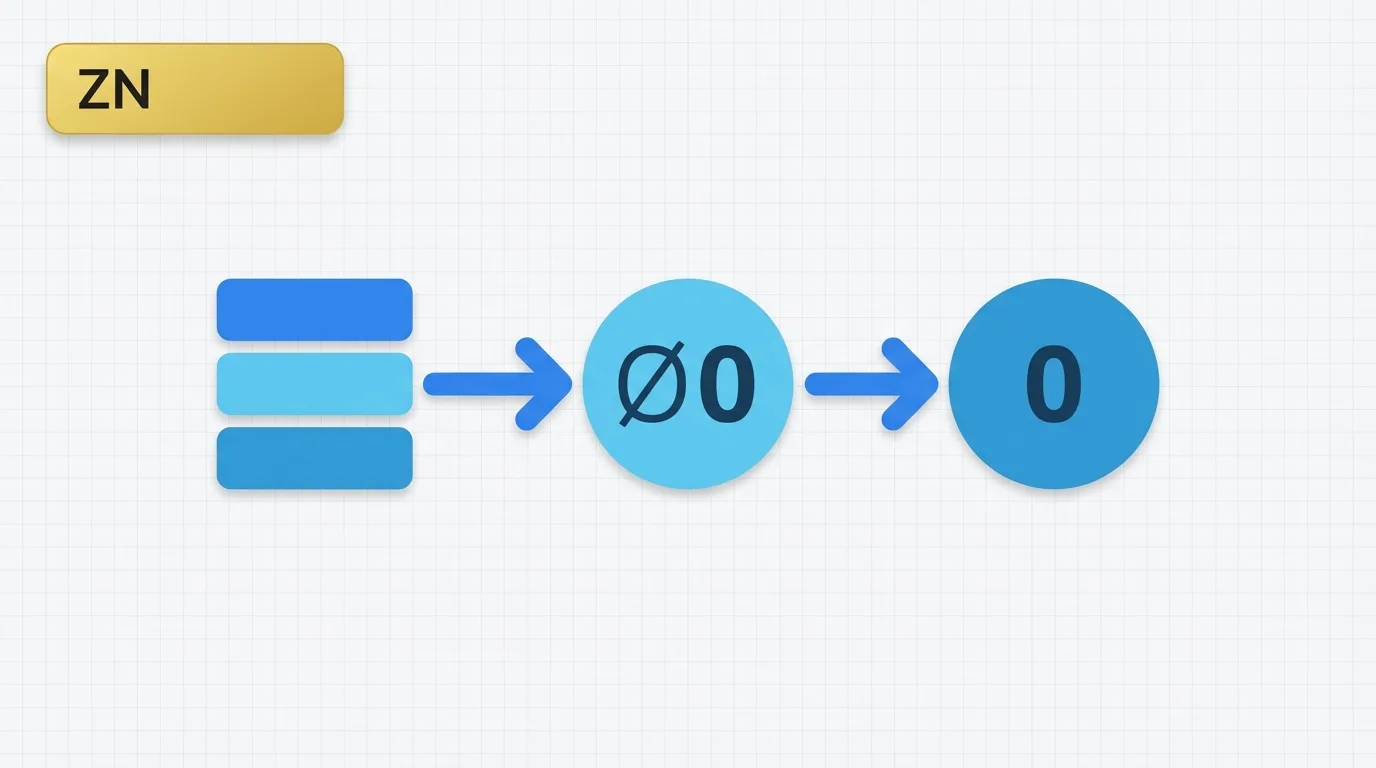

Problem Definition: The Need for Zero Instead of Blank
Analysts often require metrics that display zero instead of a blank value. This situation arises in common dashboard scenarios, such as:- What is the sales value for a product that had no orders?
- How do we show zero revenue instead of a missing value in a monthly trend?
- How do we prevent a denominator from disappearing when a measure is null?
Key Concept: Converting Null to Zero
The ZN function is designed to convert null values to zero. The concept is straightforward:- If a numeric value is present, it remains unchanged.
- If the value is null, it is replaced with 0.
Data Example: Understanding ZN with Sales Data
Consider the following small sales table:| OrderID | Customer | Month | Sales |
|---|---|---|---|
| 1 | A | Jan | 100 |
| 2 | A | Feb | 50 |
| 3 | B | Jan | 200 |
| 4 | B | Feb | null |
| Customer | Month | Sales |
|---|---|---|
| A | Jan | 100 |
| A | Feb | 50 |
| B | Jan | 200 |
| B | Feb | null |
| Customer | Month | Sales with ZN |
|---|---|---|
| A | Jan | 100 |
| A | Feb | 50 |
| B | Jan | 200 |
| B | Feb | 0 |
Tool Implementation: Using ZN in Tableau
What is ZN in Tableau?
ZN is a Tableau function that replaces null values with zero.Syntax
ZN(expression)
Example
ZN([Sales])
If [Sales] contains a number, Tableau returns that number. If [Sales] is null, Tableau returns 0. This makes ZN a straightforward null-handling function for numeric fields.
Applied Example: Calculating Customer Sales Without Blanks
Suppose you want to calculate customer sales without displaying blanks. You can use the following expression:ZN(SUM([Sales]))
Using the sample data, Tableau evaluates the calculation as follows:
| Customer | SUM(Sales) | ZN(SUM(Sales)) |
|---|---|---|
| A | 150 | 150 |
| B | 200 | 200 |
| Customer | Month | SUM(Sales) | ZN(SUM(Sales)) |
|---|---|---|---|
| A | Jan | 100 | 100 |
| A | Feb | 50 | 50 |
| B | Jan | 200 | 200 |
| B | Feb | null | 0 |
Why This Feature Exists: Understanding Null vs. Zero
Tableau does not treat null as zero by default. Null signifies unknown, missing, or not applicable, while zero represents an actual numeric value of zero. This distinction is crucial. If you use a standard calculation like:SUM([Sales])
and the field is null, Tableau may return a blank result depending on the expression and the visualization context. The ZN function exists to allow analysts to intentionally convert null into zero when that interpretation aligns with business needs. This is particularly important in charts, ratio formulas, and KPI tiles, where blanks can appear as errors.
Important Behavioral Details: Using ZN Effectively
ZN only works on numeric values. If the field is text, ZN is not the appropriate function. It is often used within larger calculations. For example:ZN(SUM([Sales])) / SUM([Target])
This approach helps avoid a blank numerator, but it does not resolve all divide-by-null issues. If the denominator can also be null or zero, that aspect must be handled separately.
ZN does not alter the source data; it only changes the result of the Tableau calculation. This distinction is important during migration and troubleshooting, as the raw data still contains null values while the calculation output becomes zero.
Additionally, ZN can affect downstream logic. If a later expression checks for zero, ZN can make null values behave like actual zero values, potentially altering filtering, ranking, and conditional logic. Use it cautiously when null and zero represent different business states.
Real Usage Patterns: Common Applications of ZN
Common use cases for the ZN function include:- Monthly trend charts with missing periods
- KPI tiles that should display 0 instead of blank
- Percent of total calculations with stable numerators
- Ratio formulas that require a numeric fallback
- Scorecards where null values create confusing gaps
- Report layouts that should not show empty measure cells
ZN(SUM([Measure]))
This is one of the simplest Tableau expressions, yet it effectively addresses a frequent dashboard issue.
