
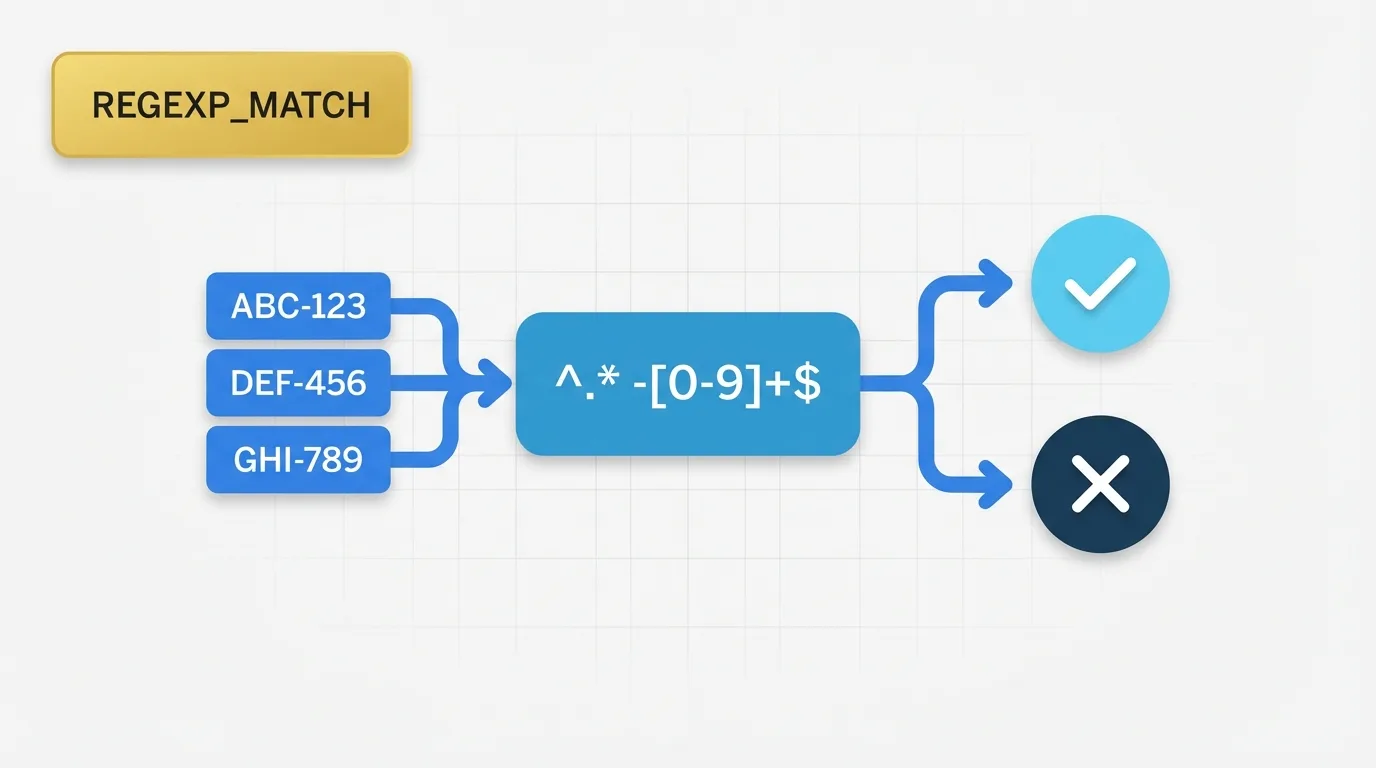
Problem Definition: The Need for Pattern Matching
Analysts often face the challenge of determining whether a field matches a specific text pattern. Common scenarios include verifying if a product code adheres to a naming standard, identifying email addresses associated with a company domain, or locating customer IDs that begin with a particular prefix.
In these cases, a simple equality test is insufficient. Analysts require a method to assess whether a value conforms to a pattern rather than matching a single exact string. This is where the function REGEXP_MATCH becomes essential in Tableau.

Key Concept: How REGEXP_MATCH Works
The REGEXP_MATCH function checks if a string matches a specified regular expression pattern. Essentially, it answers the question: Does this value follow the pattern I defined? This functionality is particularly useful when the matching criteria are based on structure rather than exact text.
Examples of Pattern-Based Rules
- Starts with a specific prefix
- Contains a designated segment
- Ends with a particular suffix
- Follows a repeated format
- Includes only certain character types
The function returns a Boolean result, meaning the output is either true or false.
Data Example: Identifying Company Email Addresses
Consider the following dataset:
| CustomerID | OrderCode | |
|---|---|---|
| C001 | alice@company.com | US-1001 |
| C002 | ben@gmail.com | US-1002 |
| C003 | carla@company.com | EU-2001 |
| C004 | david@company.org | AP-3001 |
Suppose we want to identify which customers use an email address ending in @company.com. A simple text comparison would only work if the value is exact. To test the structure, we can use a pattern match.
Logic for Email Matching
- Match email values that end with
@company.com - Return true when the pattern fits
- Return false when it does not
The result would look like this:
| CustomerID | Matches Company Domain | |
|---|---|---|
| C001 | alice@company.com | True |
| C002 | ben@gmail.com | False |
| C003 | carla@company.com | True |
| C004 | david@company.org | False |
The same principle applies to order codes. If the standard format is AA-1234, we can test whether each code adheres to that structure.
Tool Implementation: Using REGEXP_MATCH in Tableau
What REGEXP_MATCH Is
In Tableau, REGEXP_MATCH is a string function that tests whether a field matches a regular expression pattern.
#### Syntax
REGEXP_MATCH(string, pattern)
#### Example
To check if an email ends with @company.com, you would use:
REGEXP_MATCH([Email], "@company\.com$")
Explanation of the Syntax
[Email]is the field being tested."@company\.com$"is the pattern.\.represents a literal dot.$indicates the end of the string.
Tableau evaluates the string against the pattern and returns true or false.
Applied Example: Creating a Calculated Field
Suppose we create a calculated field called “Company Email”:
REGEXP_MATCH([Email], "@company\.com$")
The result would be:
| CustomerID | Company Email | |
|---|---|---|
| C001 | alice@company.com | True |
| C002 | ben@gmail.com | False |
| C003 | carla@company.com | True |
| C004 | david@company.org | False |
This functionality is beneficial in a dashboard because it allows you to:
- Filter to only matching records
- Create a segment for valid values
- Flag rows that violate a format rule
- Build counts of matching and non-matching records
Example for Order Codes
If valid order codes must start with US-, you can use:
REGEXP_MATCH([OrderCode], "^US-")
This will return true for US-1001 and US-1002, while returning false for codes from other regions.
Why REGEXP_MATCH Exists: The Importance of Pattern Matching
Default string logic typically relies on exact match comparisons. For instance, using:
[State] = "California"
works well for exact values but falls short for pattern-based rules. There may be numerous valid email addresses, but a single exact string is insufficient to define the rule.
The REGEXP_MATCH function allows analysts to validate format and structure, not just exact values. This capability is crucial when data needs to be standardized or checked for quality.
Important Behavioral Details of REGEXP_MATCH
- Boolean Value:
REGEXP_MATCHreturns a Boolean value, either true or false, rather than a text label. It is commonly used in calculated fields, filters, sets, and conditional logic. - Case Sensitivity: Pattern matching can behave differently based on the expression and pattern used. If you need to match letters regardless of case, plan for that explicitly.
- Escaping Special Characters: Characters such as
.,+,*,?,(, and)have special meanings in regular expressions. To match these characters literally, you often need to escape them. For example, a dot in an email domain must be written as\.. - Pattern Anchors: Without anchors, a pattern may match anywhere in the string. Using
^and$allows you to control whether the match must start or end at a specific point. For example:
– ^US- means the string starts with US-.
– -2024$ means the string ends with -2024.
- Null Values: If the field is null, the expression does not behave like a normal string match. This is important when working with incomplete source data.
- Flexibility and Precision: Regular expressions are exact in structure but flexible in content. This flexibility can lead to unexpected results if small pattern mistakes occur. A pattern that is too broad may match more values than intended, while a pattern that is too strict may exclude valid records.
Real Usage Patterns for REGEXP_MATCH
Common applications of REGEXP_MATCH include:
- Validating email formats
- Checking SKU or product code standards
- Identifying records by prefix or suffix
- Flagging malformed IDs
- Separating internal and external values
- Controlling dashboard filters based on text rules
Typical Examples
- Customer IDs that start with a region code
- Ticket numbers that follow a support format
- Invoice numbers with a fixed structure
- URLs that contain a known domain
- Phone numbers that adhere to a standard pattern
Practical Guidance for Using REGEXP_MATCH
Use REGEXP_MATCH when the business rule is based on pattern shape. Avoid it when a simple equality check suffices. If the requirement is for exact text, keep the logic straightforward. However, if structural validation is necessary, pattern matching is the better option.
For Tableau developers, this function is particularly useful when data quality, segmentation, or format validation impacts dashboard behavior.
