
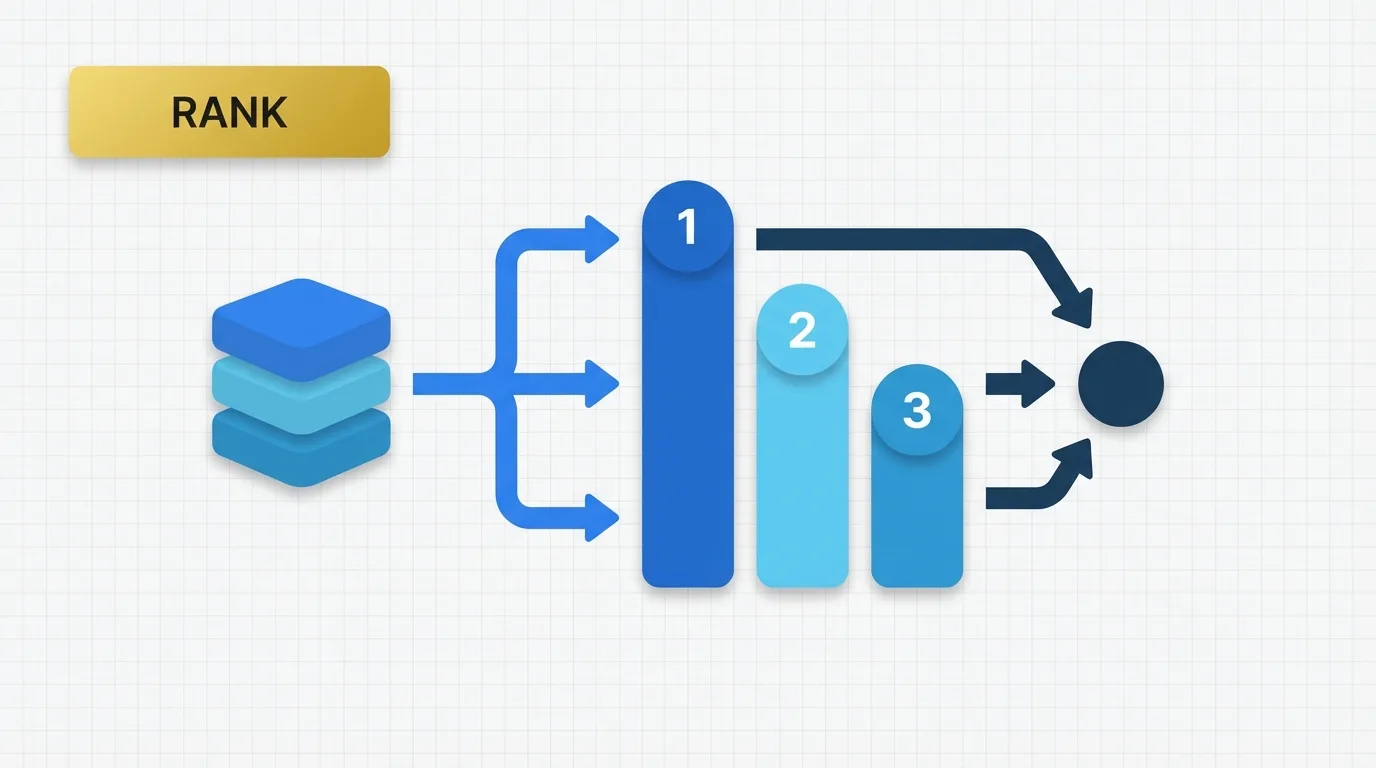
Summary of RANK in Tableau
Ranking in Tableau is a powerful feature that allows analysts to compare items based on their relative positions rather than just their raw values. This article explores the concept of ranking, its implementation, and practical applications in Tableau.

Problem Definition: The Need for Ranking with Tableau RANK
Analysts frequently face the challenge of comparing items by their position within specific groups. Common business questions include:
- What are the top products by sales in each region?
- Which customers rank highest by lifetime revenue?
- How does a store rank compared to others in the same market?
The answers to these questions depend on how data is grouped in the view. A product’s rank can vary across all rows, within a specific region, or within a category. In a dashboard, this behavior often changes based on the dimensions present.
Ranking is essential because it transforms a measure into an ordered position, making it useful for leaderboards, top N views, and performance comparisons.
Key Concept: How Ranking Works with RANK
A rank expression returns the position of a value after the data is ordered. In simple analytical terms:
- The largest value can be rank 1.
- The second largest value can be rank 2.
- Equal values can share the same rank.
- The result depends on how the data is partitioned and sorted.
This distinction makes ranking different from regular aggregation. While a sum provides a total, a rank offers a relative position. In Tableau, the rank is computed based on the values in the current view, meaning the same expression can yield different results depending on the dimensions used in the worksheet.
Data Example: Ranking Products by Sales
Consider the following simple dataset:
| OrderID | Region | Product | Sales |
|---|---|---|---|
| 1 | East | Bike | 100 |
| 2 | East | Helmet | 50 |
| 3 | East | Shoes | 75 |
| 4 | West | Bike | 200 |
| 5 | West | Helmet | 150 |
| 6 | West | Shoes | 100 |
If we want to rank products by sales within each region, the view might look like this:
| Region | Product | Sales |
|---|---|---|
| East | Bike | 100 |
| East | Shoes | 75 |
| East | Helmet | 50 |
| West | Bike | 200 |
| West | Helmet | 150 |
| West | Shoes | 100 |
The rank result would be:
| Region | Product | Sales | Rank |
|---|---|---|---|
| East | Bike | 100 | 1 |
| East | Shoes | 75 | 2 |
| East | Helmet | 50 | 3 |
| West | Bike | 200 | 1 |
| West | Helmet | 150 | 2 |
| West | Shoes | 100 | 3 |
The same product can have different ranks in different regions because the ranking is relative to the group it is compared against.
Tool Implementation: Using Rank Expressions
In Tableau, rank functions return the rank of a measure within the current partition. The common syntax is:
RANK(SUM([Sales]))
This means Tableau first aggregates sales in the current view and then assigns a rank to each mark based on that aggregated value.
A simple descending rank is often the default analytical use case, meaning the highest value receives rank 1. Common variants include:
RANK_DENSE(SUM([Sales]))
RANK_UNIQUE(SUM([Sales]))
RANK_PERCENTILE(SUM([Sales]))
Each variant handles ties differently:
- RANK can skip numbers after ties.
- RANK_DENSE does not skip numbers.
- RANK_UNIQUE forces unique ordering.
- RANK_PERCENTILE returns relative position as a percentile.
Applied Example: Ranking Products by Sales
Suppose we want to rank products by sales within each region. The calculation would be:
RANK(SUM([Sales]))
Using the sample data, the result is:
| Region | Product | SUM(Sales) | Rank |
|---|---|---|---|
| East | Bike | 100 | 1 |
| East | Shoes | 75 | 2 |
| East | Helmet | 50 | 3 |
| West | Bike | 200 | 1 |
| West | Helmet | 150 | 2 |
| West | Shoes | 100 | 3 |
If two products in the same region both had sales of 100, they would share the same rank depending on the ranking function used. This behavior is crucial when building leaderboards, as a tie can affect which items appear in a top N list.
Why Ranking Exists in Tableau
Tableau does not merely display raw rows; it aggregates data at the level of detail in the view. For instance:
SUM([Sales])
becomes sales aggregated by Region and Product. Ranking exists because analysts often need to understand relative positions in addition to aggregation. The raw total alone does not answer the question; the rank reveals which marks are highest, lowest, or tied. This is particularly useful when the goal is comparison rather than total volume.
Important Behavioral Details of Ranking
Ranking in Tableau has several behaviors that can confuse developers:
1. Dependency on the View
The rank is not calculated from the full table unless the full table is in the view. Removing a dimension can change the ranked results. For example, a rank by Product may become a rank by Region if the view structure changes.
2. Importance of Sort Order
Rank assumes an ordering. If the measure is sorted in descending order, rank 1 usually indicates the highest value. Changing the sort order alters the meaning of the rank.
3. Impact of Ties on Numbering
If two marks have the same value, they may share the same rank. With standard rank logic, the next rank can skip a number after a tie, while dense rank does not. This distinction is crucial for top N filters and reporting consistency.
4. Partitioning Controls the Comparison Group
A rank within a Region compares products only within that region, while a rank across the entire sheet compares all marks together. This difference often leads to migration issues from SQL or other BI tools.
5. Filters Can Change Outcomes
If dashboard filters exclude some rows, the rank is recalculated based on the remaining data. Consequently, the same item can move up or down when the filter changes. For analysts, this behavior is expected; for developers, it means rank is not a fixed property of the source data.
Real Usage Patterns for Ranking
Common use cases for ranking in Tableau include:
- Top products by category
- Customer ranking by revenue
- Store ranking within a territory
- Percentile-based performance bands
- Leaderboards in executive dashboards
- Identifying first, second, and third place items
- Ranking after applying business filters
Ranking is also beneficial in table calculations that combine ordering with thresholds. Analysts often use rank to create:
- Top 10 products
- Bottom 5 customers
- Ranked periods in trend analysis
- Comparison tables for sales teams
Practical Interpretation of Ranking in Tableau
A useful way to conceptualize Tableau rank is as follows:
1. Tableau calculates the measure.
2. It compares marks in the current partition.
3. It assigns positions based on the ordering.
This sequence explains most of the behavior observed in dashboards. If the result appears incorrect, the first aspects to check are:
- What dimensions are present in the view?
- How are the marks sorted?
- Are there any ties?
- Are filters affecting the partition?
Conclusion: The Importance of Ranking in Tableau
Ranking in Tableau is essential when the question is not merely about quantity but rather how a value compares to others. It is a table calculation that depends on the current view, sort order, and partitioning. This makes it a powerful tool for dashboards, but it also means that results can change with layout adjustments.
For analysts and BI developers, the key takeaway is straightforward: use rank when you need relative positioning, and always verify the comparison group before trusting the results.
