
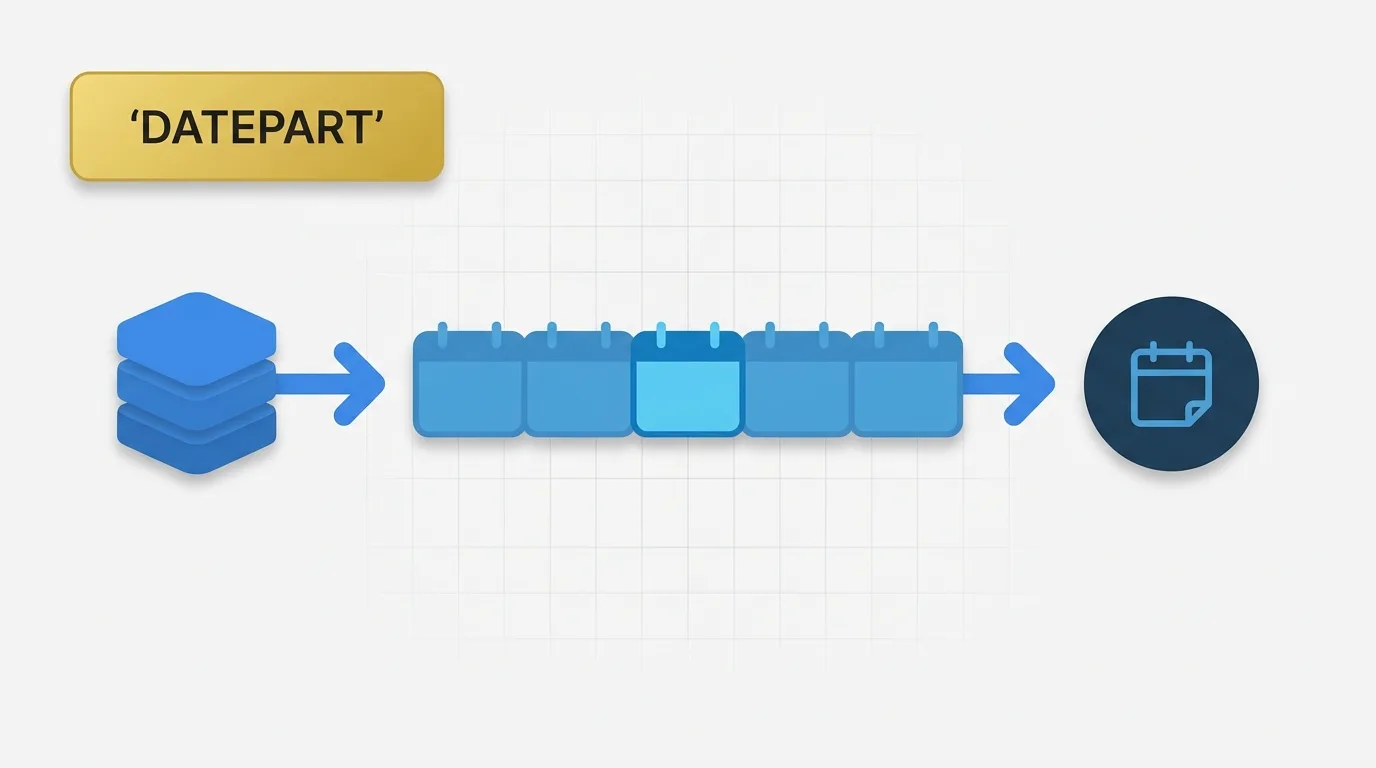
Summary of DATEPART Functionality
The DATEPART function in Tableau is essential for analyzing dates at specific levels, such as year, quarter, month, week, or day, without altering the underlying date value. This function allows analysts to extract relevant components of a date for more effective data grouping and comparison.

Problem Definition: Addressing Common Analytical Challenges
Many dashboards are designed to answer questions that do not align with the full date stored in the source data. Business users often inquire about:
- Sales by month, despite data being recorded as individual order dates.
- The number of orders that occurred in each quarter.
- Year-over-year trends when transactions are logged by exact day and time.
These scenarios highlight a common analytical challenge: the raw date is often too detailed for the desired view. Analysts require a method to extract only the relevant parts of the date for effective grouping or comparison. This is where the DATEPART function comes into play.
Key Concept: Extracting Date Components
The DATEPART function returns a specific part of a date without changing the original date value. It can extract components such as:
- Year
- Quarter
- Month
- Day
- Week
- Hour
- Minute
- Second
This functionality is particularly useful when grouping records by a calendar unit rather than by the full timestamp. In essence, DATEPART allows you to ask questions like:
- What year does this date belong to?
- What month is represented by this date?
- Which week does this record fall into?
Data Example: Analyzing Sales Data
Consider the following sample sales table:
| OrderID | OrderDate | Customer | Sales |
|---|---|---|---|
| 1 | 2024-01-05 | A | 100 |
| 2 | 2024-01-18 | B | 150 |
| 3 | 2024-02-02 | A | 200 |
| 4 | 2025-01-10 | B | 120 |
If the goal is to analyze monthly sales, grouping by the full order date is too detailed. We want all January orders to be aggregated into the same month bucket. Using the DATEPART function for the month yields the following view:
| Month | Sales |
|---|---|
| 1 | 370 |
| 2 | 200 |
While this result correctly extracts the month number, it does not provide a complete calendar month label. For instance, both January 2024 and January 2025 return the same month number, which could lead to confusion unless the year is also included.
Tool Implementation: Using DATEPART in Tableau
In Tableau, the DATEPART function is a date function that returns the specified part of a date as a number. The syntax is as follows:
DATEPART(date_part, date)
Example Usage
To extract the month from an order date, you would use:
DATEPART('month', [Order Date])
This expression returns the month number for each order date. For example:
- If the order date is 2024-01-05, the result is 1.
- If the order date is 2024-02-02, the result is 2.
The first argument specifies which part to extract, with common values including:
'year', 'quarter', 'month', 'day', 'week', 'hour', 'minute', and 'second'.
Applied Example: Calculating Sales by Month Number
Suppose we want to analyze sales by month number. We create a calculated field using:
DATEPART('month', [Order Date])
Using the sample data, Tableau evaluates each row as follows:
| OrderID | OrderDate | Month Part | Sales |
|---|---|---|---|
| 1 | 2024-01-05 | 1 | 100 |
| 2 | 2024-01-18 | 1 | 150 |
| 3 | 2024-02-02 | 2 | 200 |
| 4 | 2025-01-10 | 1 | 120 |
If the view groups by Month Part, Tableau produces:
| Month Part | Sales |
|---|---|
| 1 | 370 |
| 2 | 200 |
This analysis is useful when the question pertains to the calendar month number. However, if the business question involves monthly trends by year, this approach is insufficient. A more comprehensive grouping would require both year and month.
Why DATEPART Exists: Addressing Default Date Grouping
Default date grouping in Tableau often provides more detail than necessary for analysis. A visualization based on raw dates may display each transaction day separately, which is not useful for monthly totals or yearly comparisons. The DATEPART function allows analysts to extract specific calendar units, enabling them to control the granularity of their analysis.
Without DATEPART, Tableau would default to using the full date field or a standard date hierarchy, which may not align with the business question at hand.
Important Behavioral Details of DATEPART
It is crucial to understand that DATEPART returns a number, not a formatted date label. For instance:
DATEPART('month', [Order Date]) returns values like 1, 2, 3, and so on, rather than formatted labels like Jan, Feb, or Mar. This distinction is important for accurate reporting.
Additionally, DATEPART does not retain the rest of the date. For example:
DATEPART('year', [Order Date])yields only the year.DATEPART('month', [Order Date])provides only the month number.
If a true monthly bucket with the year included is needed, consider using a date truncation or a combined date approach instead of relying solely on DATEPART.
Another common issue arises with week calculations, which can depend on calendar settings and locale behavior. A week number may not align with how a business defines a reporting week, which is critical during migration and validation work. A dashboard may appear correct at the month level but could drift at the week level if the definition of the start of the week changes.
It is also important to note that DATEPART behaves differently from the DATETRUNC function. While DATEPART extracts a component, DATETRUNC reduces a date to the start of a specified period. For example:
DATEPART('month', [Order Date])returns 1.DATETRUNC('month', [Order Date])returns 2024-01-01 for a January date.
This distinction is significant when building axes, sorting, or comparing periods.
Real Usage Patterns for DATEPART
Common applications of the DATEPART function include:
- Monthly or quarterly reporting
- Year-based grouping
- Day of week analysis
- Hour of day patterns
- Week-based operational views
- Filters for specific calendar units
- Date-based cohorts and comparisons
DATEPART is particularly valuable when the analysis requires a numeric calendar component for grouping, logic, or conditional filtering. However, it is less effective when the goal is to display a user-friendly date label. In such cases, consider using another date function or formatting approach.
Conclusion: The Importance of DATEPART in Tableau
The DATEPART function is a fundamental yet powerful tool in Tableau for date analysis. It addresses a common challenge: extracting a calendar component from a date to enable appropriate grouping for analysis. Use DATEPART when you need to isolate a specific part of the date, and opt for a truncation function when you require a date bucket. Understanding these differences can help avoid reporting errors and migration issues.
