
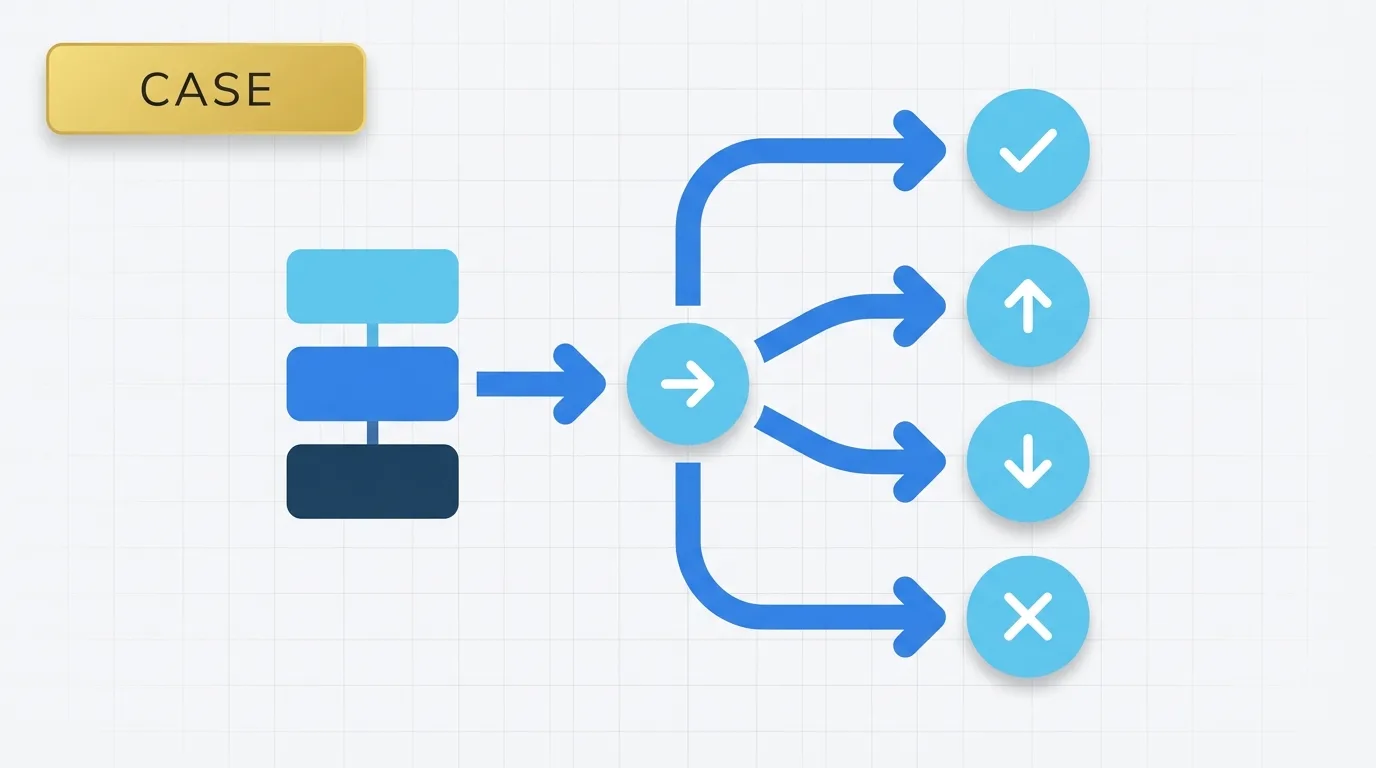
Summary of Tableau CASE Expressions
Tableau CASE is a conditional expression that allows users to return different outputs based on the value of a field. This feature is particularly useful for mapping metrics or dimensions to defined categories, labels, or business rules without the need for complex nested IF statements.

Problem Definition: The Need for Classification in Dashboards
In the realm of dashboard creation, translating raw values into meaningful business logic is often necessary. For instance:
- A team may want to group product codes into product families.
- A finance analyst might need to assign account types to specific reporting buckets.
- A sales dashboard may require converting region names into a simplified territory view.
The challenge lies not in the complexity of calculations but in the need for effective classification. Users often ask questions such as:
- What label should we display for each product code?
- How do we map status values into business-friendly categories?
- How can we present a custom segment based on a limited set of known inputs?
The CASE expression provides a straightforward solution to these classification challenges.
Key Concept: How CASE Expressions Work
A CASE expression operates as a value-matching rule. It compares a specified field against a list of known values. When Tableau identifies a match, it returns the corresponding result. If no match is found, Tableau defaults to a specified result, typically from an ELSE branch or a null value.
In analytical terms, CASE is best utilized when the input values are discrete and predetermined. It is not designed for range-based rules or fuzzy matching; rather, it functions as a direct lookup expression. This makes it particularly effective for labels, buckets, and controlled business mappings.
Data Example: Using CASE with an Order Table
Consider a simple order table:
| OrderID | ProductCode | Sales |
|---|---|---|
| 1 | BK-100 | 100 |
| 2 | HM-200 | 50 |
| 3 | BK-100 | 75 |
| 4 | ST-300 | 120 |
Suppose the business wants to categorize product codes into product families:
| ProductCode | ProductFamily |
|---|---|
| BK-100 | Bikes |
| HM-200 | Helmets |
| ST-300 | Storage |
Without this mapping, Tableau only recognizes the raw product codes. By using a CASE expression, we can convert each code into a more meaningful label. If the view displays ProductFamily, the resulting table would look like this:
| ProductFamily | Sales |
|---|---|
| Bikes | 175 |
| Helmets | 50 |
| Storage | 120 |
The logic is straightforward: rows with BK-100 are categorized as Bikes, HM-200 as Helmets, and ST-300 as Storage. The CASE expression modifies the grouping label used in the analysis without altering the sales values.
Tool Implementation: How to Use CASE Expressions in Tableau
In Tableau, a CASE expression evaluates one expression and compares it to a set of values. The syntax is as follows:
CASE [field]
WHEN "value1" THEN "result1"
WHEN "value2" THEN "result2"
ELSE "default result"
END
Example of a CASE Expression
Here is an example of how to implement a CASE expression for product codes:
CASE [ProductCode]

WHEN "BK-100" THEN "Bikes"

WHEN "HM-200" THEN "Helmets"

WHEN "ST-300" THEN "Storage"

ELSE "Other"

END
This expression means:
- Examine
[ProductCode] - Compare it to each listed value
- Return the corresponding label
- If no match is found, return
"Other"
The CASE expression is most readable when the logic involves direct mappings.
Applied Example: Creating a Calculated Field for Product Family
To create a calculated field called Product Family, use the following CASE expression:
CASE [ProductCode]

WHEN "BK-100" THEN "Bikes"

WHEN "HM-200" THEN "Helmets"

WHEN "ST-300" THEN "Storage"

ELSE "Other"

END
Now, Tableau can utilize the Product Family field in the view. The resulting data would appear as follows:
| ProductCode | Sales | Product Family |
|---|---|---|
| BK-100 | 100 | Bikes |
| HM-200 | 50 | Helmets |
| BK-100 | 75 | Bikes |
| ST-300 | 120 | Storage |
If the worksheet sums sales by Product Family, the output would be:
| Product Family | Sales |
|---|---|
| Bikes | 175 |
| Helmets | 50 |
| Storage | 120 |
This functionality works because Tableau evaluates the CASE statement row by row, assigns a label, and then aggregates the measure using the derived field.
Why the CASE Feature Exists in Tableau
Tableau provides the CASE expression to enable users to express business mappings without requiring analysts to create separate lookup tables for every simple classification rule. The CASE expression serves as a compact alternative when the rules are stable and limited. It is particularly beneficial when the source system provides codes that are not easily interpretable in the dashboard.
Without the CASE expression, users would see raw values like BK-100 instead of meaningful labels like Bikes. This can create friction for dashboard consumers and complicate the use of filters. The CASE expression exists to transform technical values into user-friendly reporting values.
Important Behavioral Details of CASE Expressions
While CASE expressions work well for exact matches, this is also their primary limitation. They do not support conditions such as greater than, less than, or between. For such logic, it is advisable to use IF or ELSEIF statements instead.
Appropriate Use Cases for CASE
CASE expressions are suitable for:
- Product codes
- Status values
- Region names
- Category labels
- Known account types
Conversely, CASE expressions are not appropriate for:
- Sales bands based on numeric thresholds
- Date ranges
- Pattern matching
- Complex conditional logic
It is also important to note that CASE expressions are sensitive to the values being compared. For instance, if the source contains "bk-100" but the expression checks "BK-100", Tableau will treat them as different values. This can lead to missing labels if the data is inconsistent.
If multiple branches are possible, the CASE expression stops at the first match. In practice, this means that the order of branches is less critical than it is in IF logic, as each value should only appear once. If a match is not found and there is no ELSE clause, Tableau will return null, which can impact filters, color legends, and grouped summaries.
Real Usage Patterns for CASE Expressions
Common use cases for CASE expressions include:
- Mapping SKU codes to product names
- Grouping status values into report-friendly labels
- Converting numeric codes into business categories
- Simplifying dimensions for filters
- Standardizing labels across dashboards
- Assigning values to custom reporting buckets when the mapping is fixed
CASE expressions are also beneficial during migration work when a legacy report contains hard-coded category labels that need to be recreated in Tableau. They serve as a practical tool for analysts, especially when the rule is a direct lookup and the values are known in advance.
Conclusion: Best Practices for Using CASE Expressions
CASE expressions are among the clearest Tableau expressions for analysts to read later. However, if the logic begins to expand into numerous ranges or overlapping conditions, it is advisable to switch to IF logic or utilize a mapping table. For large or frequently changing category sets, a data model lookup is often easier to maintain than embedding every rule within a calculated field.
